
Supplier claims
The Warehouse → Orders → Supplier claims screen is part of the November 2026 update and appears once your company has it switched on.
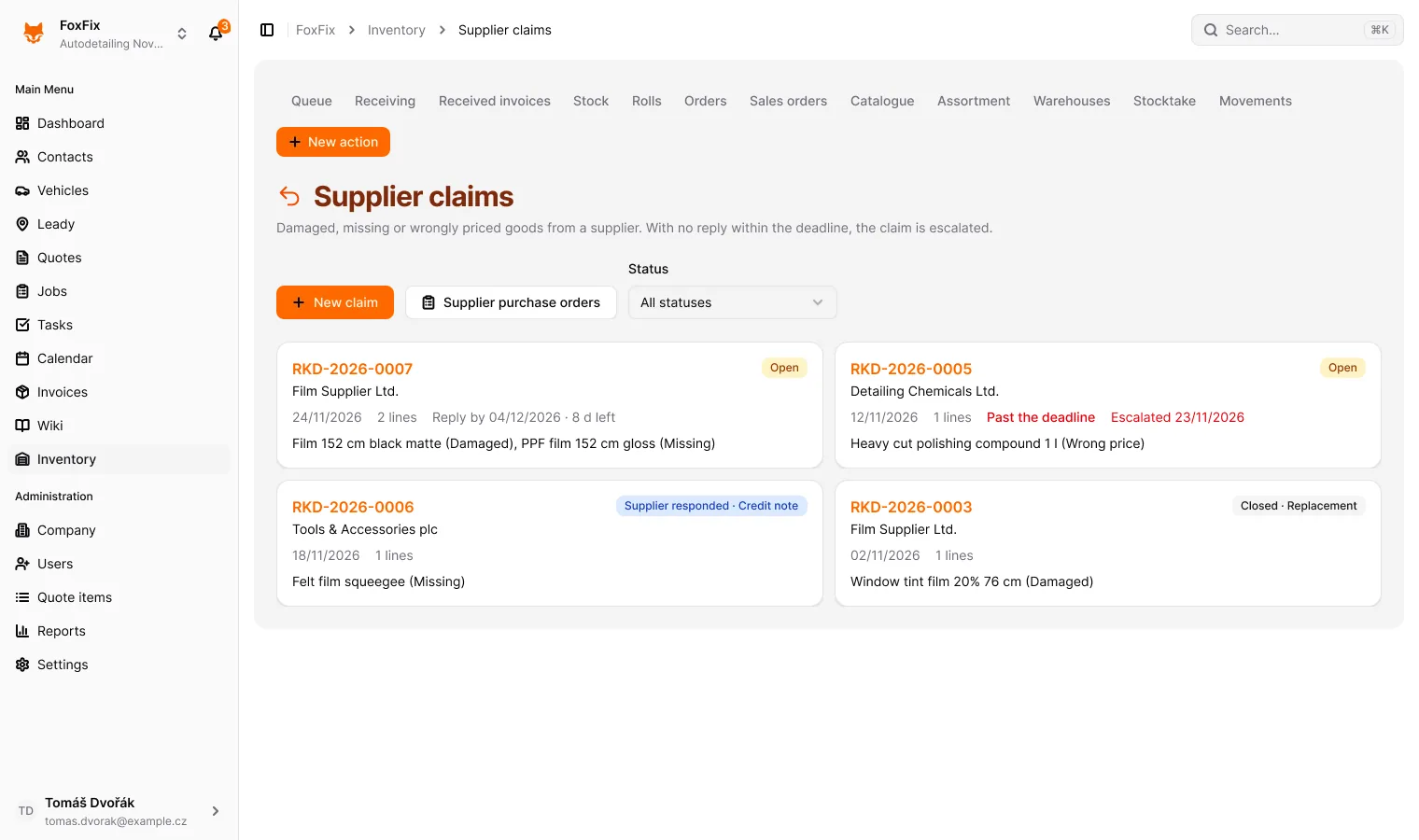
A supplier claim (number RKD-…) records goods that came from a supplier damaged, missing, at a wrong price or with another problem. The warehouse creates it when receiving goods, or purchasing does; purchasing handles it. Back office and cost centre heads can view it.
 (opens the full-size image in a new tab)
Statuses
| Status | Meaning |
|---|---|
| Open | Waiting for the supplier's reply. |
| Supplier responded | The supplier replied with a result — replacement, credit note or rejected. Waiting to be closed. |
| Closed | Resolved with a result. It can no longer be changed. |
The reply deadline is 10 days from creation (company setting, Deadlines). It is stored when the claim is created; a later change of the setting does not recalculate older claims. An open claim past the deadline shows Past the deadline, and the morning after the deadline the CFO gets one Escalation of supplier claim notification.
Create a claim
From a receiving document:
- Open the document in Documents to receive (the goods must be marked as arrived).
- Click Supplier claim.
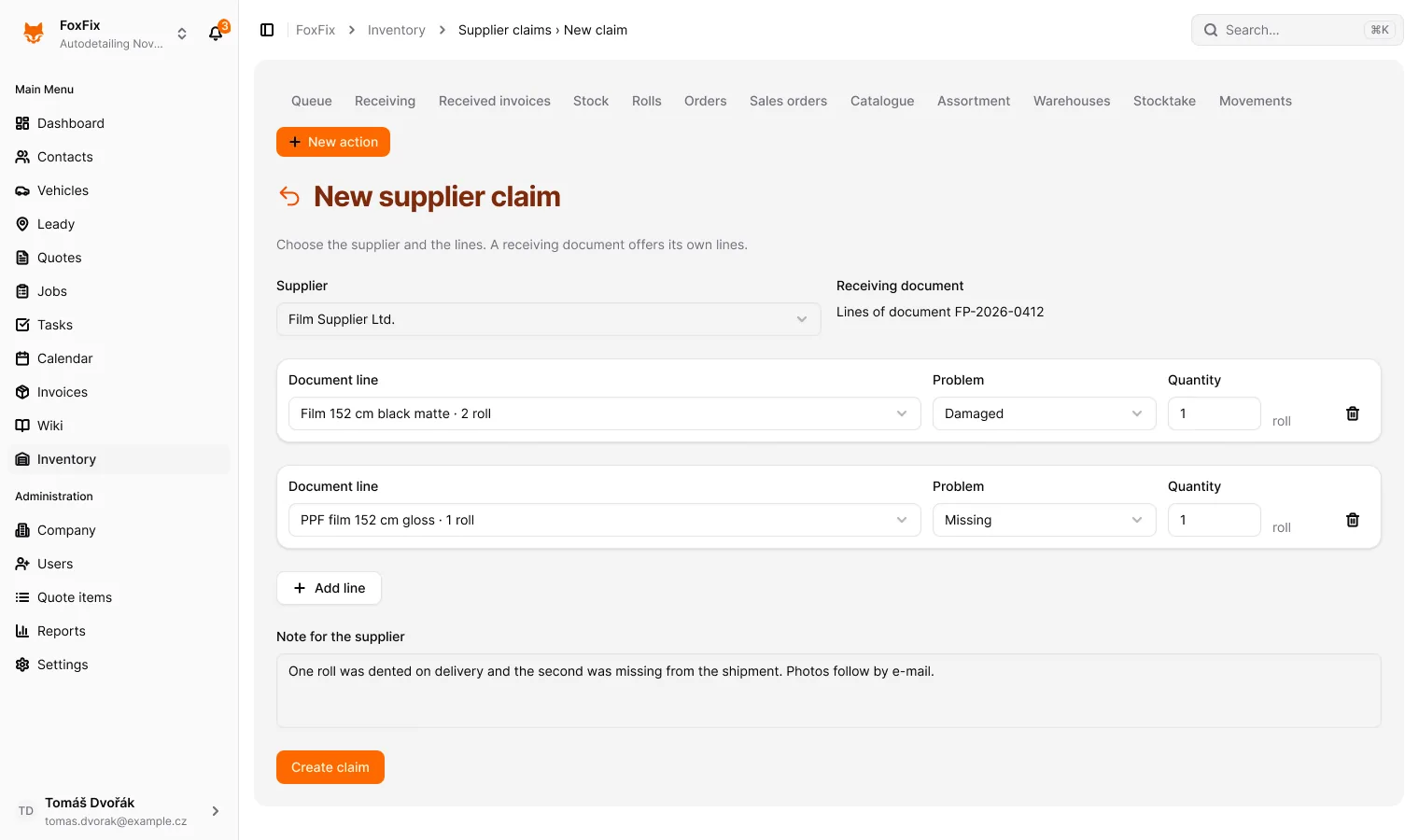
- The supplier is prefilled from the document (check it). For each line choose the document line, the problem and the quantity — a damaged or missing quantity cannot exceed the document.
- Add another line with Add line; goods not on the document are entered with Own description.
- Optionally write a note for the supplier and click Create claim. The claim gets a number from the RKD series and a reply deadline.
From an order: in the order detail click Supplier claim — the supplier is prefilled and you enter the lines with your own description. Manually: on the claim list click New claim.
 (opens the full-size image in a new tab)
Resolve a claim
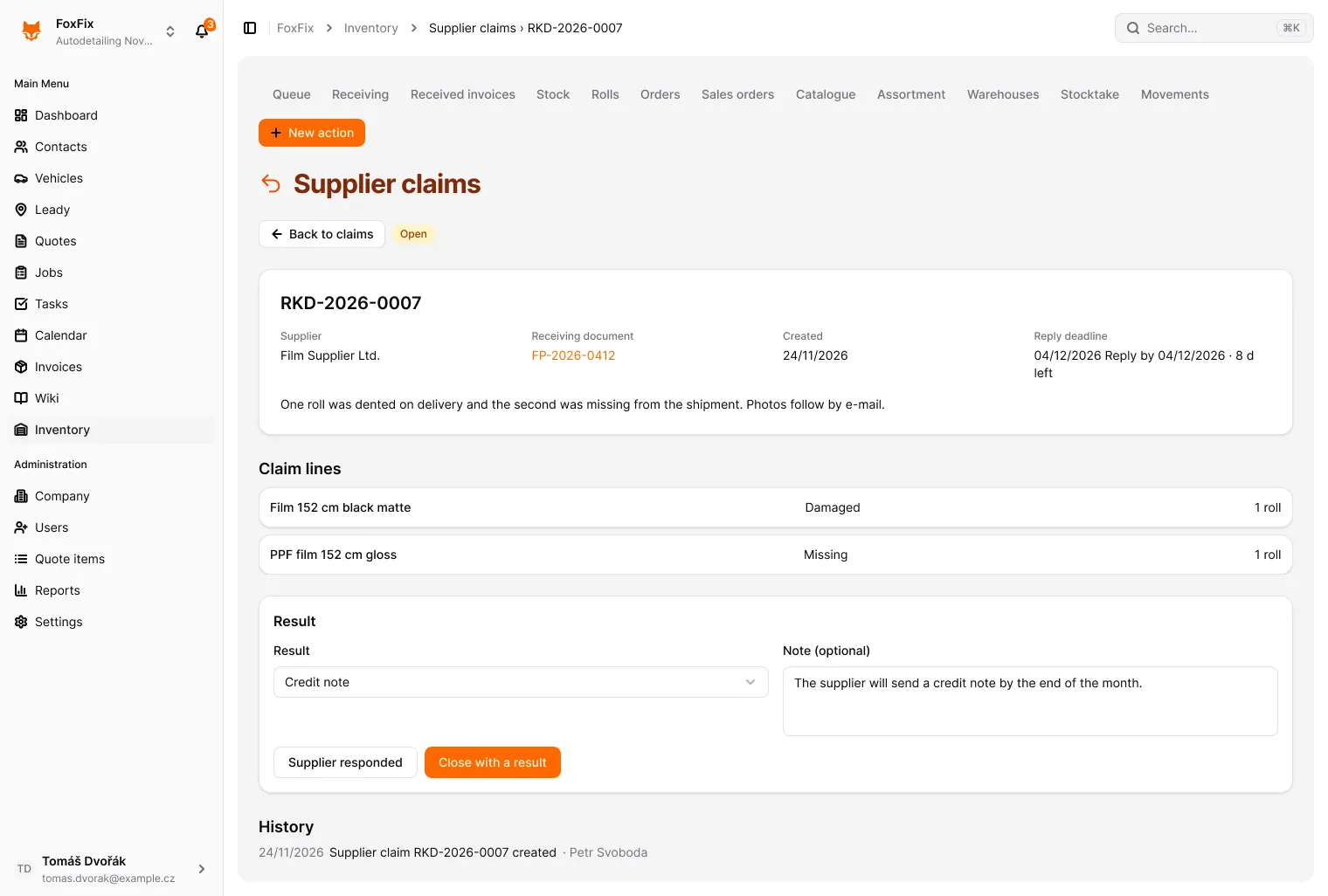
In the claim detail choose the result (replacement, credit note, rejected), optionally add a note, and click:
- Supplier responded — for an open claim, when the supplier replied and something is still pending (e.g. you are waiting for the credit note),
- Close with a result — the claim is resolved.
Every change is written to the claim history. A claim is never deleted.
 (opens the full-size image in a new tab)